Let CCTV Mule carry the load for you!
Our unique CCTVmule range is designed to make CCTV installation easier to save you time & money!
Designed to overcome problems with difficult installations where running out extra cabling for video, audio and data is too awkward, too costly or just plain impossible.
A CCTVmule comes to the rescue by letting you run multiple signals down just one cable such as a co-ax, CAT5 or even alarm cable.

There's a model to suit all scenarios.


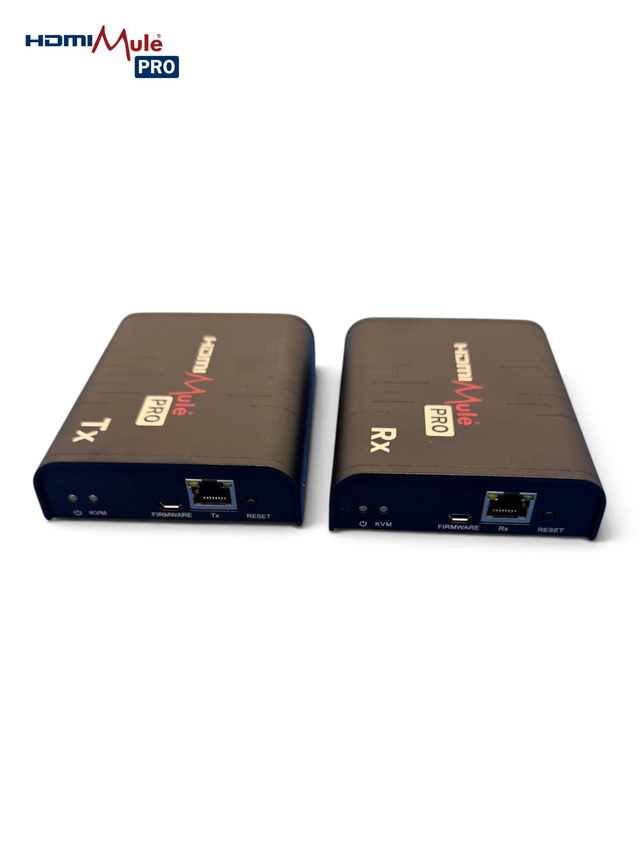
HDMI Mule Pro
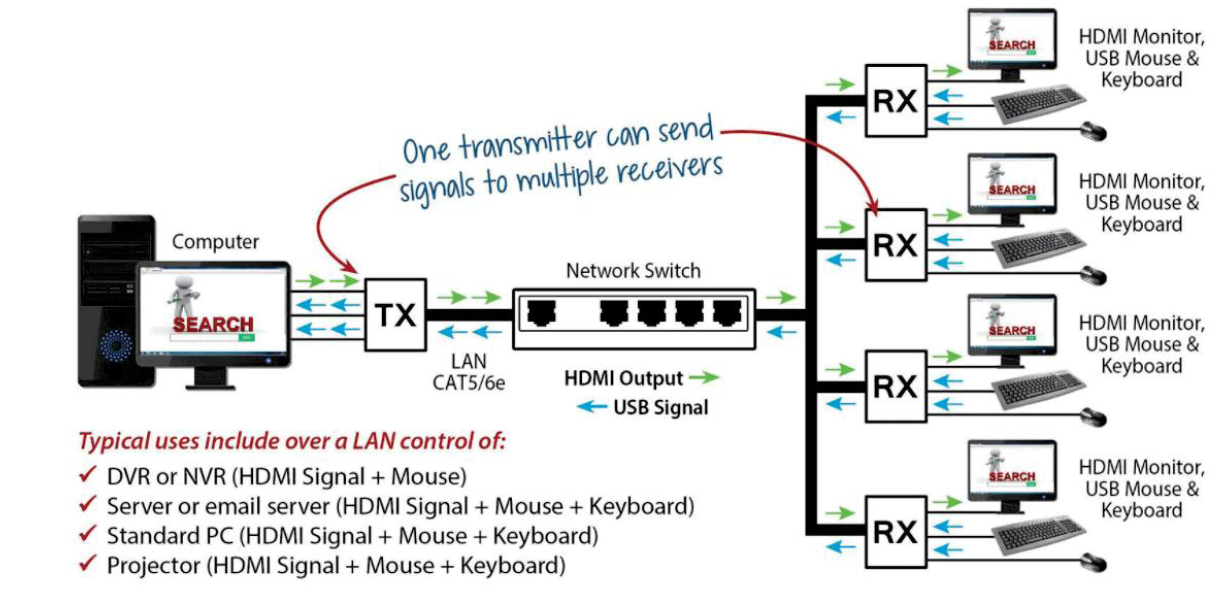
Extend HDMI + USB KVM control up to 120m over CAT5/6 or LAN with Multi-Screen Switching!
The HDMI Mule Pro lets you keep your DVR or NVR locked away in one room while viewing and controlling it from a monitor or TV somewhere else entirely – all over a single network cable. Keep your recorder secure and out of sight in a server room or cupboard, then position a monitor, mouse and keyboard in reception or the office to view footage and drive the system as if you were sat in front of it.
Setup couldn't be simpler: a single ethernet cable plugs directly between the HDMI transmitter and receiver (no switch needed). For even more distance and flexibility, connect both units to a network switch. Over CAT5 you'll achieve approximately 80m, CAT5E 100m, and CAT6 up to 120m.
Where the Mule Pro really earns its name is multi-screen working. Connect a single transmitter to multiple receivers and every screen displays the same video source simultaneously – supporting up to 256 receivers at the same time. The free HDMI Mule Pro mobile app (Android & iOS) lets you link any transmitter to any receiver by dragging icons on your phone screen.
Mobile app available for device configuration purposes. You can view the HDMI Mule Pro Privacy Policy.
HD Mule
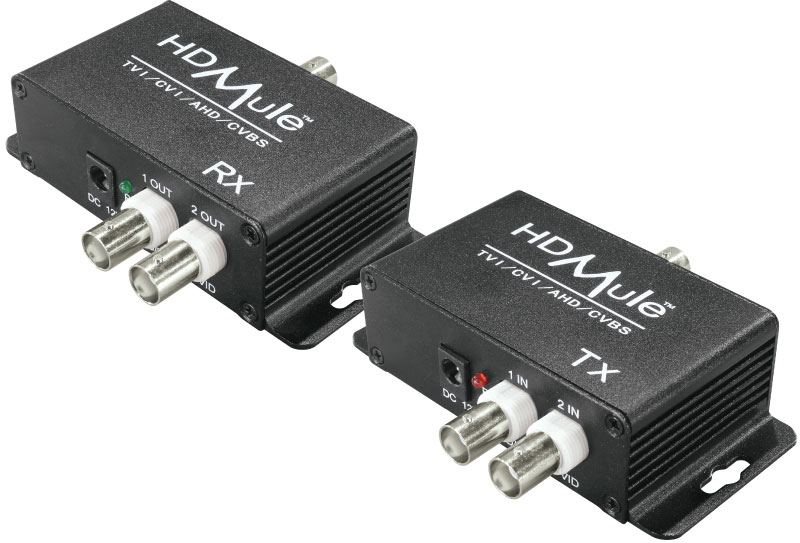
Send 2 CCTV camera feeds down 1 co-ax cable!
Compatible with TVI, CVI, AHD and analogue the HD Mule makes it really easy to add extra cameras.
Perfect if you don't have access to run any more cables, even data cables, underground. The clever electronics of the Mule allow it to carry 2 video feeds along the same RG59 co-ax cable enabling the operator to monitor 2 cameras from a different location. This saves time, money and mess!
IP Mule
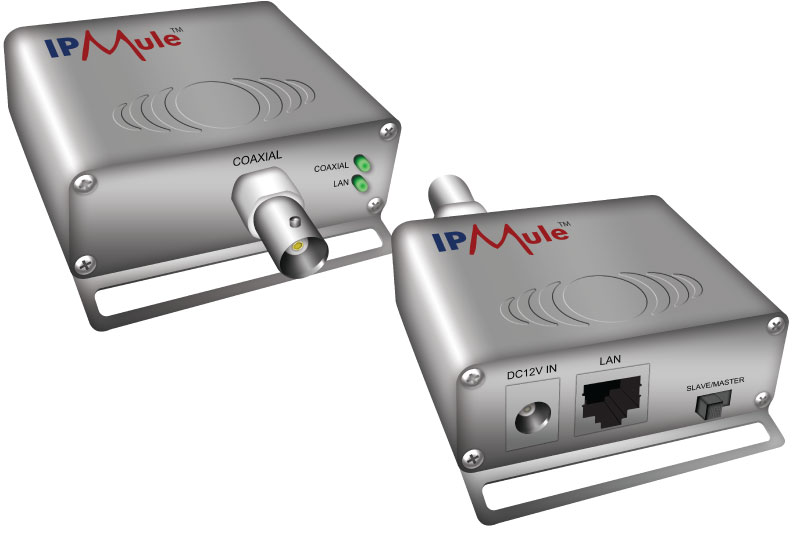
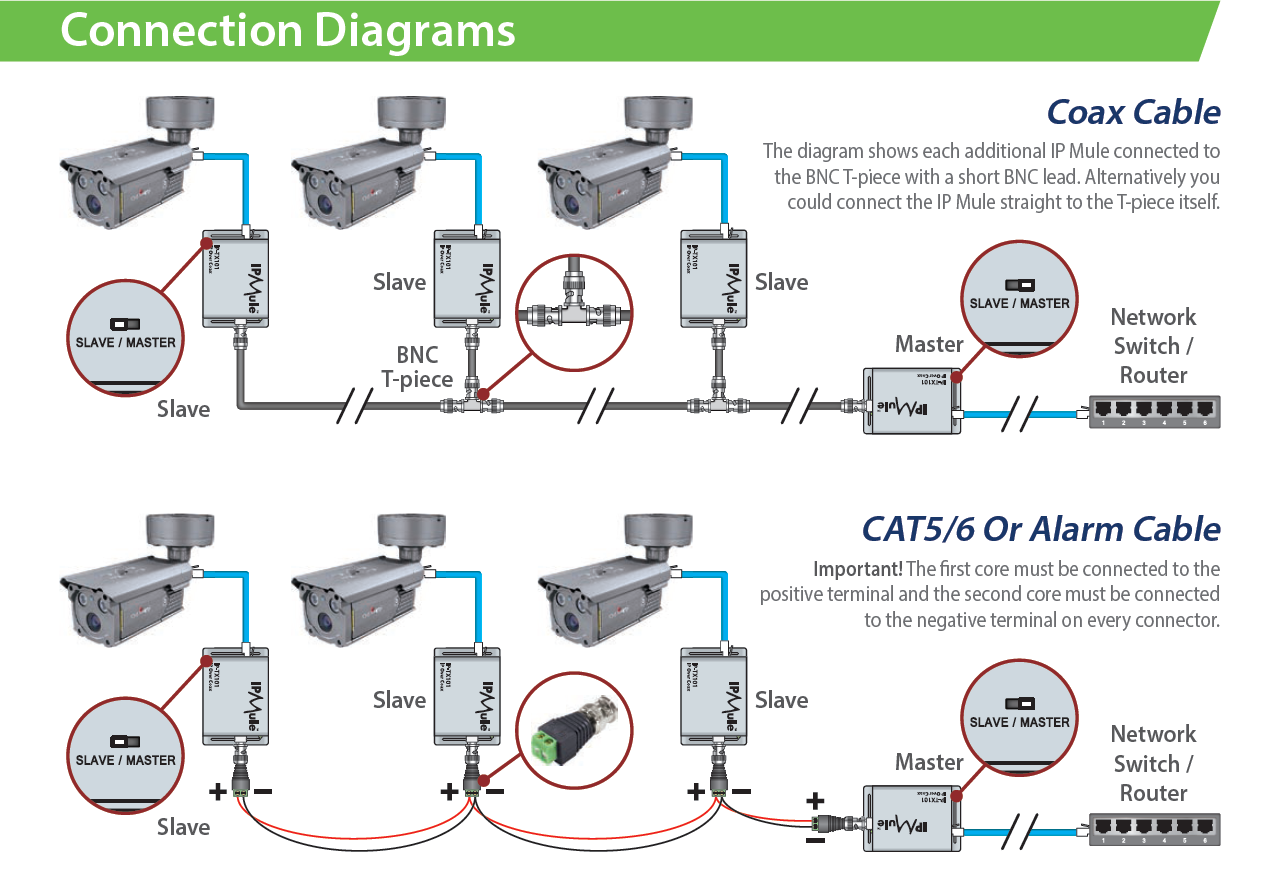
Send IP cameras down co-ax, alarm cable, telephone cable or CAT5 up to 2km!
Simply connect an IP Mule to either end of the cable and you get a network created from one end to the other! It can be used for IP cameras or any other network device you want to connect.
You can even send multiple IP cameras down the one cable using multiple IP Mules, the only limiting factor is the cable type you are using limits the bandwidth available. For example, if you use a 300m co-ax cable the bandwidth will be 100Mbps but a 600m telephone wire will only reach 55 Mbps.
HDMI Mule
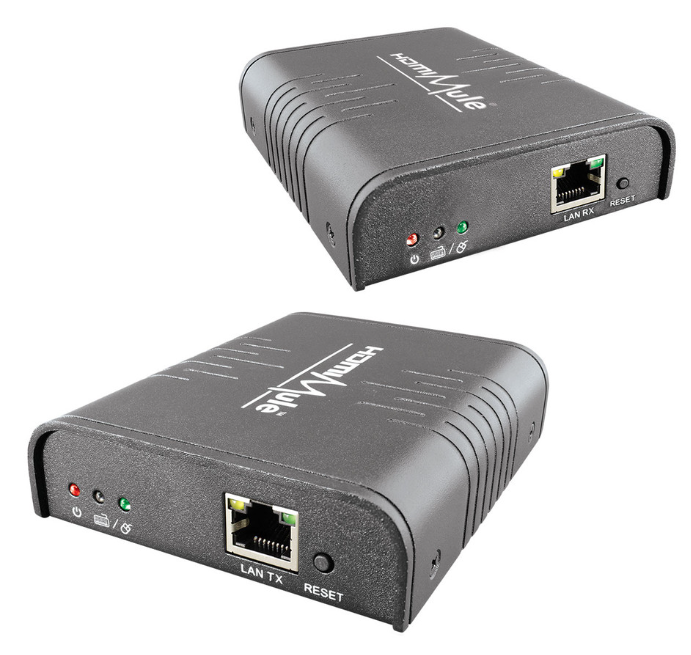
Send HDMI signals over a LAN even through switches!
Our HDMI Mules let you have your DVR or NVR in one room while being able to view and control it with a monitor and remote from another over a network - for example, you'd be able to keep your DVR securely in a locked room while positioning a monitor elsewhere to view any footage and control it via IR remote, which is really handy for CCTV applications!
Simply connect your HDMI transmitter and receiver to one CAT5/6 cable, then the transmitter to a HDMI source device (e.g. a DVR) and the receiver to a monitor. This allows you to view and control the HDMI video from up to 120m away.